Fortinet Command-Line Portal
An introduction to the Fortinet CLI Portal for finding FortiOS commands and configuration references.
Having an official and detailed command reference is extremely useful for system and network administrators.
Administrators often spend a significant amount of time searching for the correct commands and configuration options needed to configure, troubleshoot, or operate network devices.
I was working mostly with Fortinet devices at the time, so I regularly needed to find FortiOS commands quickly for my daily tasks. Fortinet provides excellent reference resources, an active community, and strong technical support.
Fortinet had recently announced the Fortinet CLI Portal. The portal provides a simple interface for searching FortiOS commands and their available options.
At the time this post was written, the portal was available as a beta version and supported only FortiOS 5.4. It was not yet a complete reference, but it provided a useful starting point and was expected to expand over time.
CLI Portal Categories
The portal contained four main command categories:
- Config: Configuration commands for FortiOS 5.4.
- Execute: Commands for performing actions.
- Get: Commands for retrieving information.
- Diagnose: Commands for troubleshooting and debugging.
The command reference was not yet comprehensive, but the structure made it easy to browse the available commands.
Example: IPsec Commands
For example, I searched for OSPF commands but did not find any results.
However, I found the IPsec configuration command reference, which provided useful information about configuring IPsec phase-one interfaces.
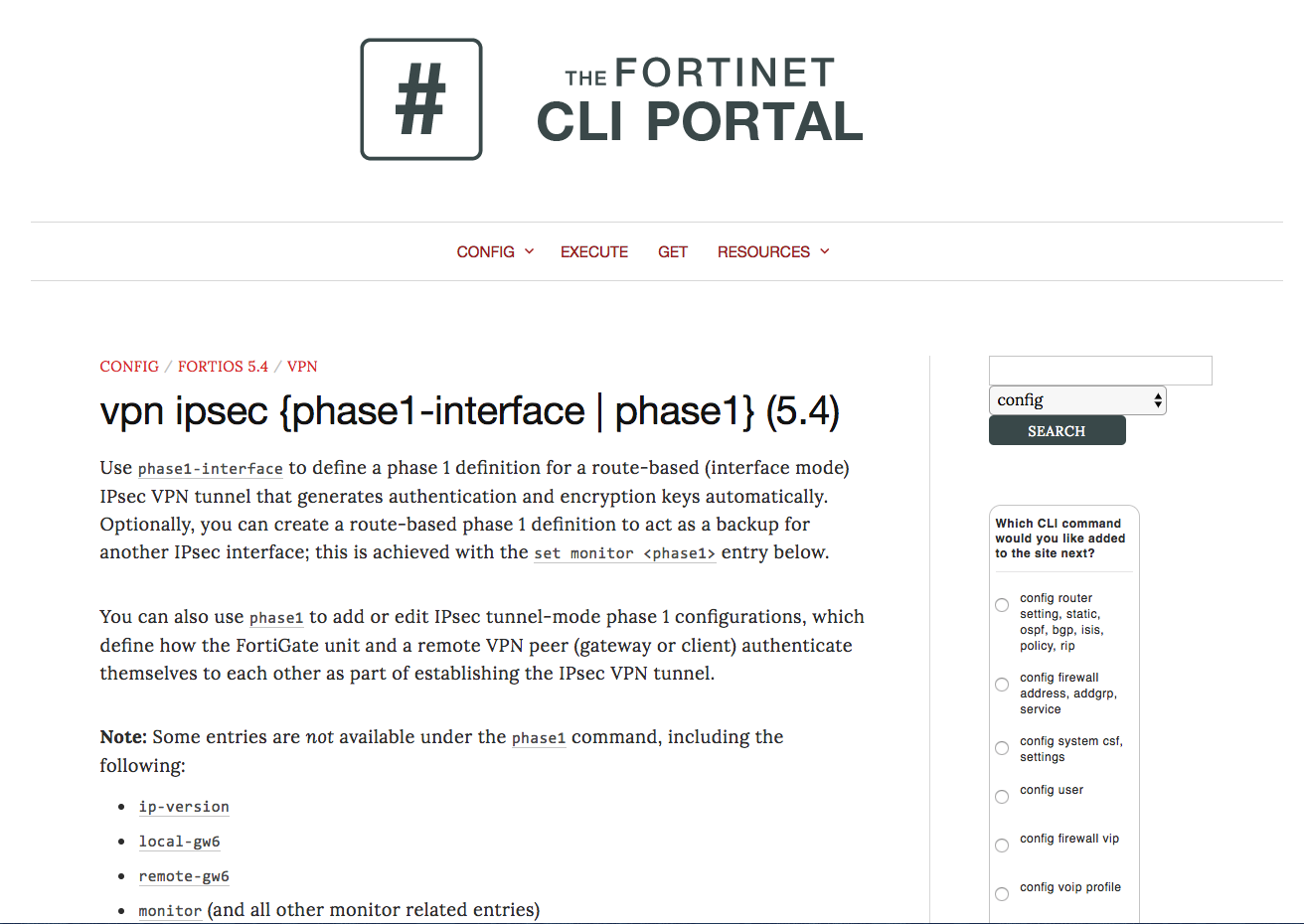 IPsec command-line reference.
I was particularly interested in the diagnostic commands because troubleshooting is one of the most common tasks when managing network infrastructure.
A good command reference helps administrators work more efficiently, learn the platform faster, and troubleshoot problems more effectively.
Good knowledge improves your work, and good reference material improves your knowledge.